How QR Codes Work and Why Scammers Use Them in 2026
A QR code is only a stored link with repair data. Here is how the squares work and why a scanned code can still be a scam.
In this story 6 sections
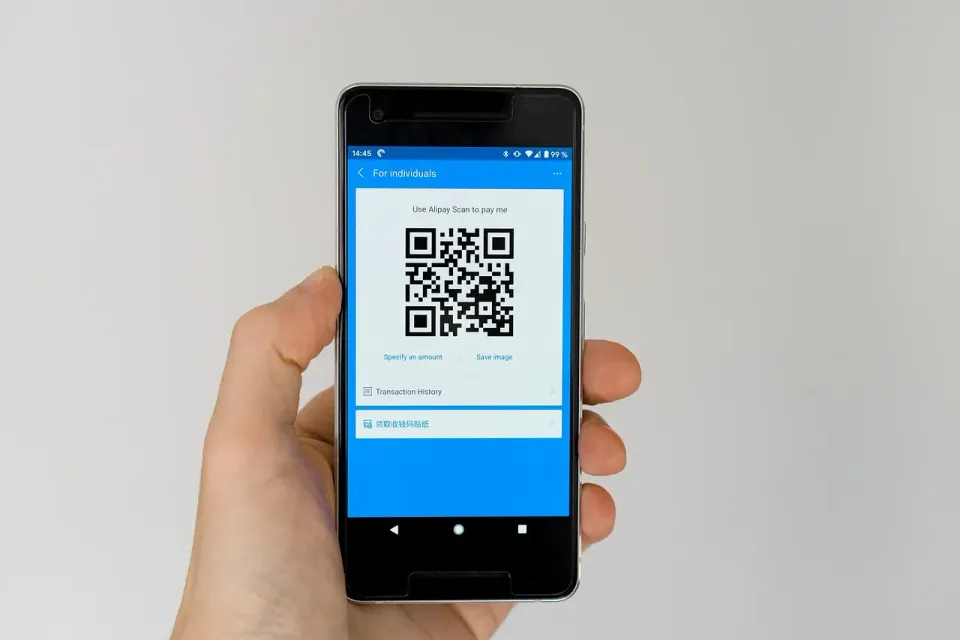
A QR code is a grid of black and white squares that stores a short piece of data, usually a web address, plus repair codes that let a phone read it even when it is smudged. The code cannot tell you whether its link is safe, which is why scammers paste fake ones over real ones.
This guide explains how QR codes work, step by step, and why the same design that makes them handy also makes them a favorite tool for quishing, which is phishing by QR code. It is written for anyone who scans a square on a menu, a parking sign or a parcel note and wonders what just happened.
What Is Actually Inside a QR Code?
Inside every QR code is a short string of characters, turned into a pattern of dark and light squares called modules. Most of the time that string is a web address. It can also hold plain text, a Wi-Fi login or a phone number.
The three large squares in the corners are the landmarks. They let a phone camera find the code and work out which way it is turned, so you can scan it at an angle or upside down. Other small patterns describe the grid size and help the scanner cope with a code that is stretched or curved.
The rest of the grid holds two things. One is your data, split into small chunks called codewords. The other is a set of extra codewords for error repair. A DENSO Corporation team led by Masahiro Hara developed the format in 1994, according to MakeUseOf's explainer on QR redundancy, after factories needed to store more than an ordinary barcode could hold.
Capacity is limited, so most codes hold a short address and let a website do the heavy lifting. A tiny link can point to a huge page, and a redirect behind it can send different phones to different places.
That origin matters. QR codes were built to be fast and forgiving in a warehouse. They were never built to prove who made them. Oddworldz covers this kind of gap between what a system was designed to do and how people now use it.
Why Does a Damaged QR Code Still Scan?
A damaged QR code still scans because it carries extra repair data based on Reed-Solomon error correction, a method of rebuilding missing values from the pieces that survive. Standard codes offer four repair levels that recover roughly 7%, 15%, 25% or 30% of the codewords.
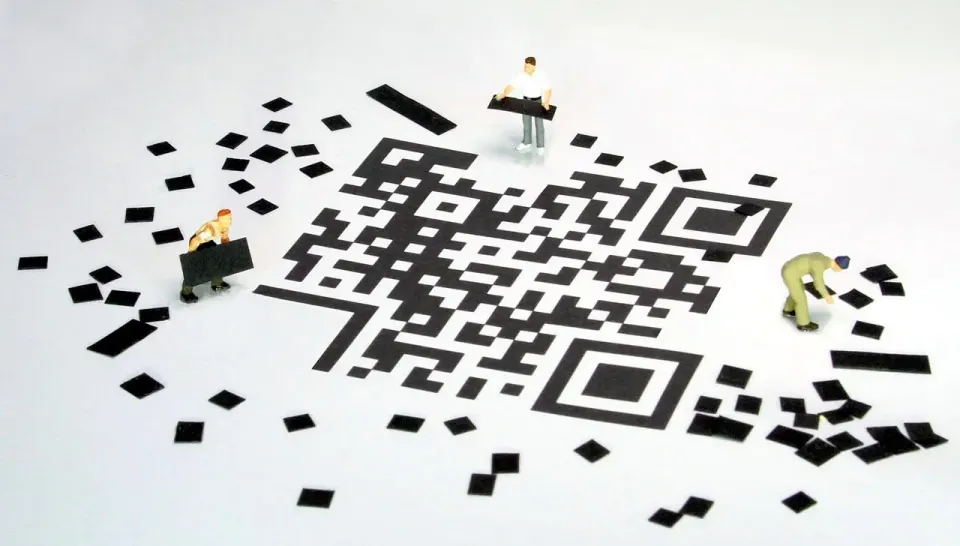
Those four levels are called L, M, Q and H. MakeUseOf reports that the percentages come from DENSO WAVE, the company that publishes the QR technical documentation. The extra codewords are not spare copies of the address. They are mathematical relationships, so the phone can solve for whatever went missing, much like finding unknowns in an equation when enough values are known.
There is a tradeoff. More repair data leaves less room for your actual content, so a code set to level H must be larger, or hold a shorter link, than one set to level L. MakeUseOf says level M is the most frequently chosen setting, a middle road between capacity and resilience.
The key point is what repair does not do. It fixes damaged squares. It does not check that the address is honest. A flawless scan of a fraudulent link is still a flawless scan.
Why Are QR Codes So Easy to Fake?
QR codes are easy to fake because anyone can generate one for free in seconds, and a human cannot read the address by looking at the pattern. A fake code looks identical to a real one. The only difference is the destination your phone opens after the scan.
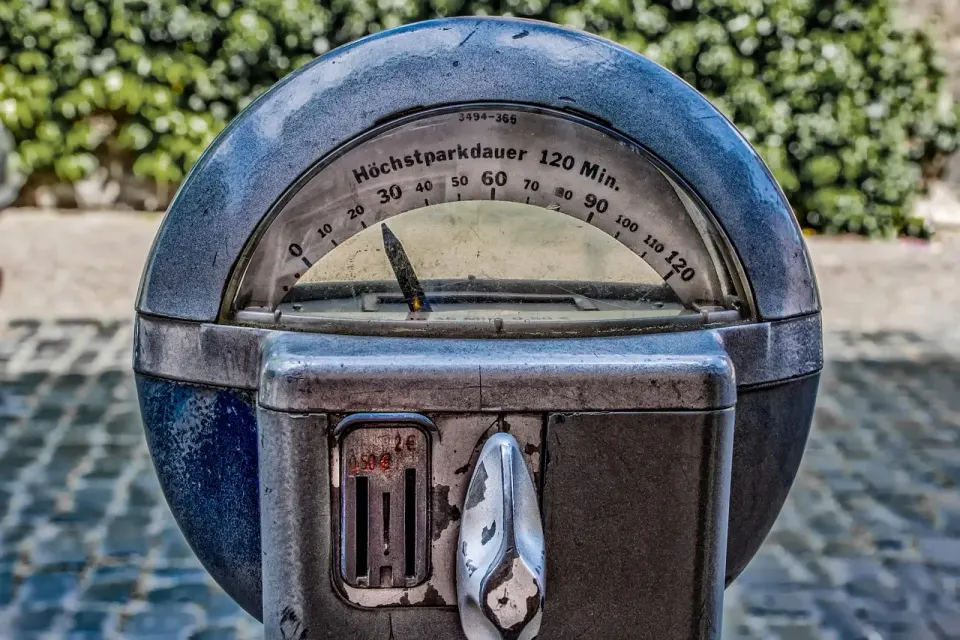
Scammers use that in two main ways. The first is the sticker swap, where a printed code is pasted over a real one on a sign, a menu or a payment machine. In a 2022 public service announcement, the Federal Bureau of Investigation (FBI) said cybercriminals tamper with both digital and physical codes, swapping legitimate ones for malicious ones. A tampered payment code can send a customer's money to the criminal instead of the business. The Federal Trade Commission (FTC) has also reported scammers covering codes on parking meters with their own.
The second is the unexpected message. The FTC says scammers text or email a code and invent a reason to scan it: a package that could not be delivered, a problem with your account, or suspicious activity that needs a password change. Each story creates urgency so you open the link without thinking.
The scanned link can lead to a spoofed site that looks real, or it can install malware that steals your information, according to the FTC. The agency advises against scanning a code in an email or text you were not expecting, especially one that urges you to act at once. If the message might be genuine, contact the company through a phone number or website you know is real.
Think of a QR code as a doorbell with no nameplate. You can press it, but you only learn who answers after the door opens. That is the whole problem in one image, and it is why a quick look at the preview matters so much.
If you want to see how a phone's own defenses are changing, our explainer on Chrome's scam detection and screenshots covers one approach, and the shorter HTTPS certificate rule shows how the padlock in your address bar gets its meaning. A padlock only says a connection is encrypted, though. It does not say the site is honest.
What Is Quishing and How Do Attackers Use It?
Quishing is phishing that delivers its link as a QR code instead of clickable text. The attacker puts the code in an email, a PDF or a printed page, and the victim scans it with a phone. That move shifts the click from a protected work computer to a personal device.
The FBI spelled this out in a January 2026 alert. The FBI FLASH on Kimsuky QR code spearphishing says the North Korean group sent emails with embedded codes to think tanks, universities and government offices. One message posed as a conference invitation and another as an embassy employee asking for input.
The FBI notes why the format works. Email filters that inspect or rewrite links cannot easily read a link that sits inside an image. After the scan, victims were routed through redirectors that collected details such as the device type and then showed a fake login page for services like Microsoft 365.
The FBI adds that these attacks often end with stolen session tokens, which can let an attacker get past multi-factor authentication without any failed-login alert. That is a long way from a harmless black-and-white square. It is also a good reminder that two-factor codes do not make a fake login page safe to use.
The FBI's advice for organizations is plain. It suggests that staff verify where a code came from through a second channel, such as contacting the sender directly, and that organizations set clear steps for reporting suspicious codes. Individuals can borrow both ideas: ask the supposed sender by phone or in person, and tell someone when a code looks off.
Not every quishing attempt is a state-sponsored operation, of course. Most are cheap and broad, aimed at anyone who scans a code on impulse. The skill needed is low and the cost is close to zero, which is what keeps the tactic popular.
How Do You Scan a QR Code Safely?
Scan safely by treating a QR code like a link from a stranger. Use your phone's built-in camera, read the full address preview before tapping, and never log in or pay on a page you reached from a code you did not expect.
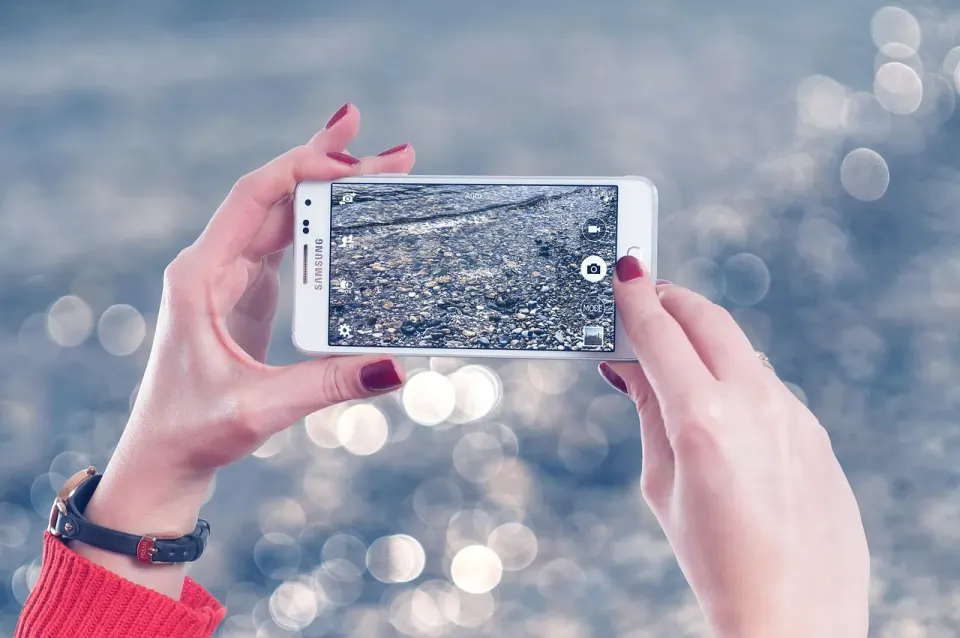
Here is a short checklist to run before you tap the preview:
- Ask whether you expected this code. An unexplained code in a package or text message is a warning sign.
- Look at the sticker. If it sits on top of another label or looks peeled at the edges, skip it.
- Read the whole address in the preview. Watch for extra words, odd endings and misspelled brand names.
- Type the known address yourself when it involves money, a bank or a work login.
- Avoid entering passwords after a scan, and never share one-time codes.
If you already scanned a code and typed in a password, the standard advice is direct. Change that password right away, create a strong one and turn on two-factor authentication. Then check your accounts and bank statements for activity you do not recognize, and report identity theft at IdentityTheft.gov if it applies.
Updating your phone also helps, since security patches close holes that malicious pages try to use. Another of our guides, on why your phone says "Spam Likely", shows the same pattern in phone calls: a label that helps, but never a guarantee.
The Bottom Line on QR Codes
A QR code is a clever, sturdy way to carry a short message, and it works the way it does because factories needed speed. That design has no place for trust. The check has to happen in your head, in the preview line and in the habit of asking where a code came from.
Oddworldz's editors checked each claim in this guide against the FTC and FBI pages and the technical explainer linked above, and the rule they keep returning to is simple. Preview first, scan second, log in never from a code you did not ask for. Next time a square turns up where you did not expect it, you will know what to look for.
Fact-checked as of November 2026.
Can scanning a QR code hack my phone?
What does quishing mean?
How can I tell if a QR code is fake?
What should I do if I scanned a suspicious QR code?
In this story 6 sections
Keep Reading
All stories

The Odd List · Fridays