How Passkeys Work: Why Your Phone Wants a Fingerprint Instead of a Password
Your phone keeps asking for a fingerprint where a password used to go. Here is how passkeys work, why they resist phishing and how to switch safely.
In this story 8 sections
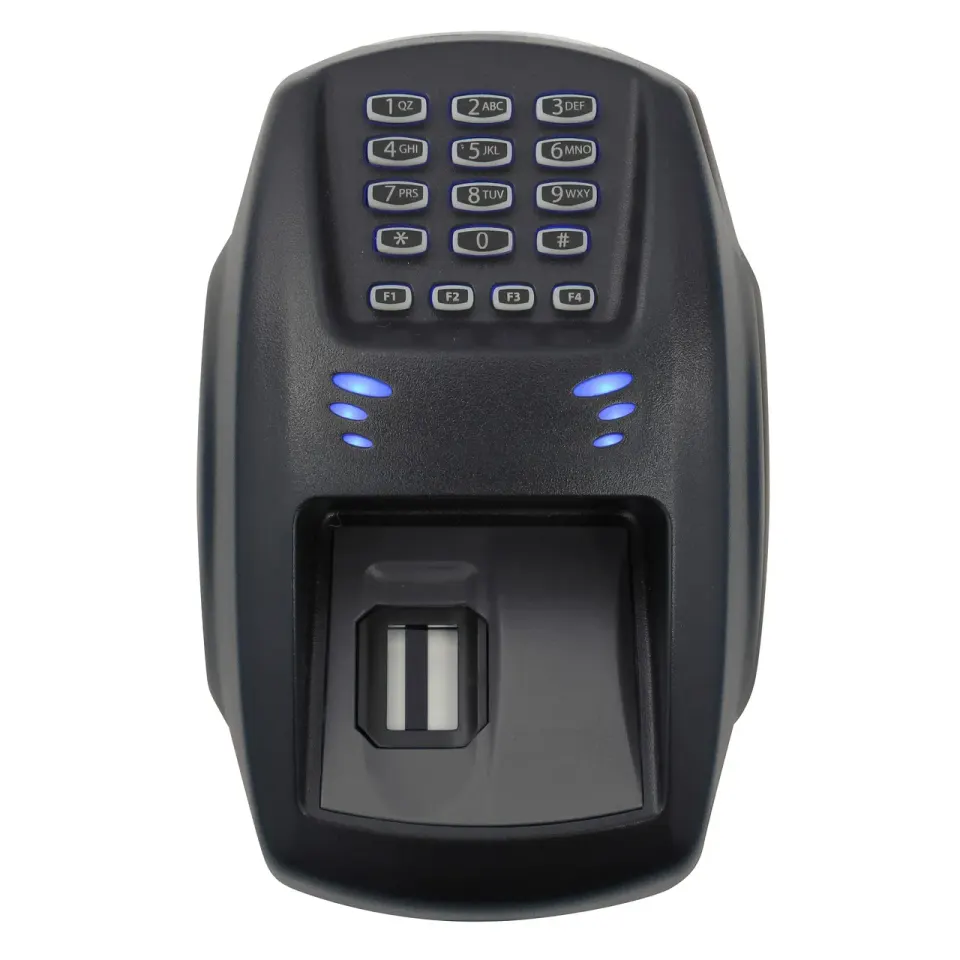
A passkey is a digital login credential that replaces your password with a pair of cryptographic keys. Your phone or laptop keeps the private key and unlocks it with your fingerprint, face or PIN. The website only holds the public key, so there is no secret for a hacker to steal or trick you into typing.
If your phone has started asking for a fingerprint where a password used to go, you are not imagining things. Apps and websites are switching to passkeys, and the prompt can look odd the first time. This guide explains what a passkey is, how it works behind the scenes, and what to do about it. It is written for everyday phone and laptop users, not security professionals.
What Is a Passkey and Why Is Your Phone Asking for One?
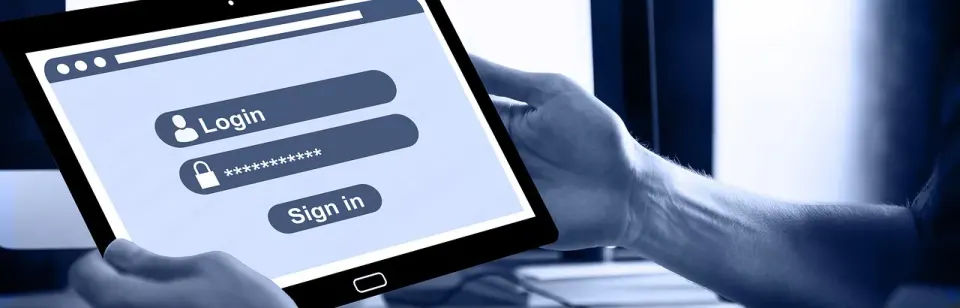
A passkey is a sign-in method that proves who you are without a password. Your phone asks for one because the site or app has added passkey support and wants you to try it. You approve with the same fingerprint, face scan or PIN that unlocks your device.
Passwords have a built-in flaw. A password is a shared secret, which means the website and you both know it. If the website leaks its database, or you type the password into a fake page, the secret is gone.
A passkey removes the shared secret. Nothing you could type, read aloud or paste into a scam page exists. That one change explains why the new prompts feel so different. The screen looks simpler because the design underneath is not the same.
A password manager is a different tool. It stores long, random passwords and types them for you, which is a big improvement over reusing one password everywhere. The password itself still exists, though, and it can still be handed to the wrong site. A passkey is built so that handoff cannot happen. At Oddworldz, we see the two as steps on the same path rather than rivals.
How Do Passkeys Work Behind the Scenes?
Passkeys work through public-key cryptography. When you create one, your device generates two linked keys. The private key stays on your device. The public key goes to the website. At sign-in, the site sends a challenge, and your device signs it with the private key after you approve.
Think of a padlock and a key. The website gets the open padlock, which is useless to a thief on its own. Your device keeps the only key that fits. When you sign in, the site snaps a fresh lock shut and your device proves it holds the right key.
Your fingerprint or face is not sent anywhere. It only unlocks the private key on your device, the same way it unlocks the screen. The site never sees your biometric data, only the signed answer.
The standard behind this is called WebAuthn. The Cybersecurity and Infrastructure Security Agency (CISA) explains in its fact sheet on phishing-resistant MFA that the FIDO Alliance developed WebAuthn and the World Wide Web Consortium (W3C) now publishes it. It adds that major browsers, operating systems and smartphones support it.
Why Are Passkeys Harder to Phish Than Passwords?

Passkeys are harder to phish because each one is locked to the real website address that created it. If you land on a look-alike page, your device finds no matching passkey and does not respond. There is nothing to type, so there is nothing to give away.
A fake bank page can copy the logo, the layout and even the web address with one swapped letter. It cannot copy the cryptographic link between your passkey and the real domain. The check happens automatically, so it does not depend on you spotting the typo.
CISA treats this property as the gold standard. The agency's fact sheet ranks FIDO and WebAuthn authentication at the top of its list of multifactor methods. A text-message code or a one-time password can still be tricked out of you on a fake page. A passkey cannot.
Fake pages remain a daily problem, which is why browsers are building defenses too. Our look at how Chrome's scam detection may use screenshots covers one such effort. Passkeys work at a different layer: they make the stolen password worthless before it can be stolen.
The CISA public awareness page on multifactor authentication makes the broader point that people who turn on MFA are significantly less likely to be hacked. A passkey is a sign-in method that gives you that protection in a single step.
Where Do Your Passkeys Live, and What if You Lose Your Phone?
Your passkeys live in your device's secure storage, and most platforms can sync them through your account. Apple, Google and Microsoft each offer a passkey manager, and several password managers do too. Syncing means a lost phone does not lock you out of everything.
That convenience carries a tradeoff. A synced passkey is only as safe as the account that holds the sync. If someone takes over your Apple, Google or Microsoft account, they may reach your passkeys. Protect that main account with a strong, unique sign-in and a recovery method you control.
Some services also let you keep a passkey on a separate hardware security key. CISA calls these "roaming" authenticators, because they connect through USB or near-field communication (NFC). The same fact sheet notes that other authenticators are built into laptops and phones as "platform" authenticators.
Passkey features also arrive in stages. If a prompt is missing on your phone, the reason may be a phased rollout, as we explain in why your phone does not have the update yet. Some features also reach Android without a full system upgrade, which our guide to Google system updates describes.
How Many People Actually Use Passkeys Now?
Use is already widespread. The FIDO Alliance announced in May 2026 that an estimated 5 billion passkeys are in use worldwide. Its State of Passkeys 2026 report, based on 11,000 consumers and 1,400 enterprise decision-makers across ten countries, found that 90 percent of people know what a passkey is.
The same report found that 75 percent of people have turned on a passkey for at least one account, and 49 percent use passkeys regularly when a site offers them. You can read the figures in the FIDO Alliance announcement. The FIDO Alliance is an industry group that backs passkeys, so treat its numbers as a trade body's own survey, not an outside audit.
Even so, the direction is clear. Many large sign-in providers now offer passkeys as an option, and your phone is probably already one of the places they can be set up.
What Are the Downsides of Passkeys?
Passkeys are not perfect. Support is uneven, so some sites still need a password. Moving passkeys between different brands of phone can be clumsy. Shared family devices also raise questions about whose fingerprint is allowed to approve what.
Recovery is the biggest practical worry. If you delete a password and lose access to the account that syncs your passkeys, getting back in can be slow. Services handle this differently, so check what each one offers before you depend on a passkey alone.
The editors at Oddworldz keep a simple rule for new sign-in methods: add the new one first, and retire the old one only after the new one has worked on a second device.
A common worry is that a passkey sends your fingerprint to the website. It does not. The scan is checked locally by your phone's secure hardware, and the site only receives a signed message. If a thief copies your fingerprint, they still need your physical device to use it.
Another worry is that passkeys make shared devices risky. They do not change who can unlock the device. If a family member can open your phone with a PIN they know, they can approve a passkey prompt too. Use a PIN that only you know.
How Do You Switch to Passkeys Safely?
Switch one account at a time, starting with email, since email resets every other account. Create the passkey, sign out, and sign back in with it to test it. Only then think about removing the old password.
- Open the security settings of your email account and choose "Create a passkey."
- Approve with your fingerprint, face or PIN when your phone asks.
- Sign out and sign back in using the passkey to confirm it works.
- Add the passkey on a second device, or save a recovery option.
- Repeat for your bank, shopping and social accounts as they offer it.
Conclusion
Passkeys are a quieter, safer way to sign in. Your device holds a private key, the website holds a public one, and your fingerprint or PIN is the final approval. Because the key is tied to the real website, a fake page gets nothing.
The practical next step is small. Set up a passkey for your main email account this week, test it on a second device, and keep your recovery method current.
What is a passkey and how is it different from a password?
Are passkeys safer than passwords?
What happens to my passkeys if I lose my phone?
Does a passkey send my fingerprint to the website?
In this story 8 sections
Keep Reading
All stories

The Odd List · Fridays