Google System Updates Explained: Why Android Gets Features Without an OS Update
Your Android phone can gain features without a new Android version. Here is how Google system updates work, what November 2026 brought and how to check yours.
In this story 7 sections
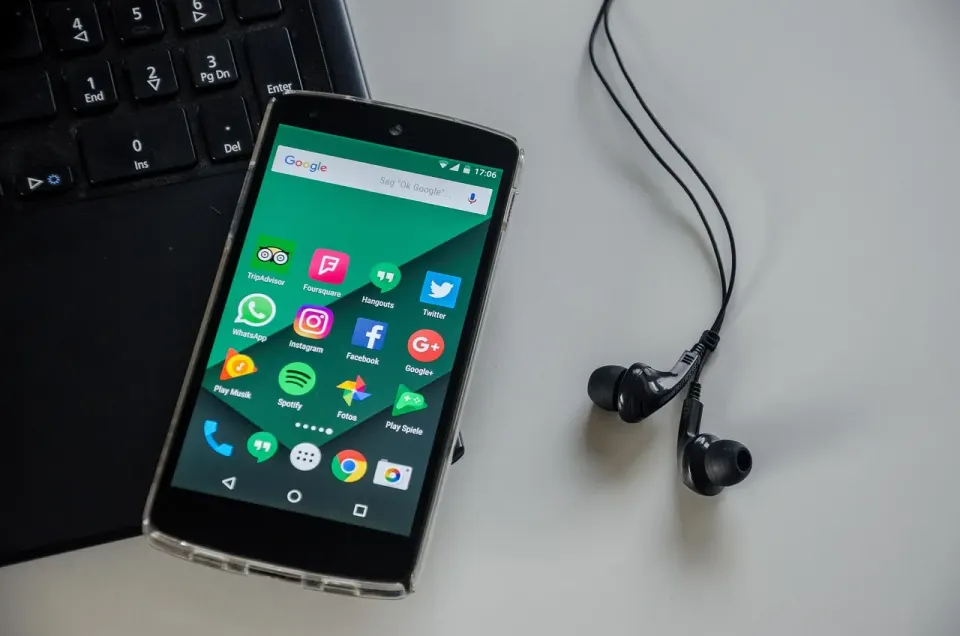
Google system updates deliver new Android features and fixes without a full operating system upgrade. Google ships pieces of the system, such as Play services, the Play Store and WebView, through the Play Store on its own schedule. That is why your phone can gain features in November 2026 without a new Android version.
This explainer is for anyone who has noticed a new option appear on their phone with no update prompt. It covers what these updates are, what November 2026 brought, how to check yours and why they matter for security. Oddworldz tracks the small mysteries of phones, and this one explains a lot of them.
What are Google system updates?

Google system updates are small releases that update parts of Android outside a full operating system upgrade. They cover Google Play services, the Google Play Store, Android WebView and a set of core system modules. They download in the background, like a regular app update.
The idea goes back to Android 10. The Android Open Source Project describes Mainline as a way to modularize some system components so they can be updated outside of a full OS release. Google can push the updated modules through the Google Play system update feature.
Think of your phone as a house where some rooms can be renovated while you keep living there. A full Android version is a rebuild of the whole house. A system update replaces the plumbing in one room. You barely notice, but the room works differently afterward.
Play services deserves a short explanation. It is a background layer that many apps lean on for sign-in, location, push notifications and payments. Because apps rely on it, a change to Play services can alter how several apps behave at once. That is why a single monthly release can touch Wallet, Auto and wearables together.
Google publishes a running list called the Google System Release Notes. It lists each component, its version number, the date and a short note. The notes are brief and aimed partly at developers, so some entries read like shorthand.
What did the November 2026 system updates include?
The November 2026 notes include a developer API for age ranges, cross-device improvements, wallet changes and a Pixel gamepad feature. Most entries are small. A few change what apps can do on your phone.
According to 9to5Google's roundup of the month's updates, here is what stood out.
| Component | Date | What the notes say |
|---|---|---|
| Play services v26.43 | Nov 2 | Updates to Wallet loyalty cards |
| Play services v26.44 | Nov 9 | A developer API to query the device user's age range; easier cross-device experiences |
| Android WebView v158 | Nov 9 | Security and privacy improvements and bug fixes |
| Play services v26.45 | Nov 16 | Developer features for digital wallet and payments in apps |
| Play Store v54.1 | Nov 16 | Pixel virtual gamepad on an open Pixel Fold |
The age-range entry is the one to read carefully. The notes call it an API for developers, which means apps can ask the system for an age range. The notes do not explain how apps will use it, so no one outside Google should claim more than that.
A developer API is a doorway that lets an app request a specific piece of information or function from the system. Adding the doorway does not mean every app walks through it. Apps still need their own updates to use it, and permission and privacy rules still apply.
Why do features appear without a big update?
Features appear without a big update because many of them live in components Google can replace on its own. The Pixel virtual gamepad is a good example. It arrived through a Play Store release, not through a new Android version. The same goes for Wallet loyalty card changes inside Play services.
This model also explains why two phones on the same Android version can behave differently. One may have the newer Play services build and the other may not. Updates roll out in stages, so the order depends on your device, your region and sometimes plain luck.
We covered the staging idea in our explainer on why your phone does not have the update yet. The same logic applies here. Google releases to a slice of phones first, watches for problems and widens the rollout.
Brand matters too. How long your phone gets full Android upgrades is a separate question. Our piece on how long your phone gets software updates explains that gap, and system updates help fill it for some components.
How do you check for Google system updates?

You check for Google system updates in your phone's settings. On many phones, go to Settings, then Security and privacy, then System and updates, and tap Google Play system update. Menu names vary by maker and Android version, so you may need to search settings for "system update."
The Play services path is different. 9to5Google says Pixel owners can open Settings, tap their name at the top for Google services, choose the All services tab, then Privacy and security, then System services. Other brands use their own wording.
The page shows a date next to the Google Play system update entry. That date tells you how current your core modules are. If the date is many months old, tap the entry and check for an update. Your phone may also need Wi-Fi and a bit of battery before it installs.
Here is a simple experiment. Write down the date shown next to Google Play system update today. Check it again in a month and compare. If the date moved forward, your phone is receiving module updates as designed. If it never changes, look at your battery settings, storage and Wi-Fi, since low storage and strict battery limits can block background installs.
Not every phone shows every entry. Some cheaper devices or older Android versions lack certain modules. If you cannot find the menu, your phone may handle these updates under a different name.
Why do system updates matter for security?
System updates matter for security because attackers go after known bugs. The US Cybersecurity and Infrastructure Security Agency (CISA) explains in its guide to patches and software updates that patches address security vulnerabilities. CISA advises turning on automatic updates whenever possible and avoiding updates on untrusted networks.
The Federal Trade Commission (FTC) has studied the same problem. Its report on mobile security updates notes that a number of companies it surveyed prefer to bundle security patches with functionality upgrades. Separate system updates let some fixes arrive without waiting for a bundle.
WebView is a good example of why this matters. It is the engine many apps use to show web pages inside the app. A fix to it protects every app that relies on it. The November notes list WebView v158 with security and privacy improvements.
The same principle applies to your browser and passwords. Our look at how passkeys replace passwords shows another layer that depends on up-to-date software on your phone.
What should you do with Google system updates this month?
You should do three small things this month. First, open the Google Play system update page and note the date. Second, turn on automatic updates for Google Play so apps and services stay current. Third, restart your phone if it has not been restarted in weeks, since some updates finish installing after a reboot.
If a new feature appears and you did not ask for it, look in the Google System Release Notes for a matching entry. The notes will not always explain the change in plain English. Still, a version number and a date give you a trail to follow.
If an update fails, you usually do not need to panic. Android includes rollback safeguards for failed module updates, according to the Hexnode guide to Android's modular system. The phone falls back to the earlier version and tries again later. A repeated failure is worth a restart and a storage check.
Keep your expectations realistic. System updates do not replace full Android upgrades, and they cannot fix every bug or extend a phone's support life. They cover the parts Google has made swappable. Hardware drivers, maker skins and some deep system code still depend on your phone's manufacturer. Treat monthly system updates as a useful bonus, not a guarantee.
Conclusion: a phone that changes between versions
Google system updates explain why an Android phone can change without a new version number. Parts of the system arrive through the Play Store on their own schedule, and they bring features and fixes with them.
Check the update date, leave automatic updates on and treat unexplained new features as a clue, not a mystery. The system is quietly renovating the rooms around you.
Oddworldz will keep following these monthly notes, since the small entries often foreshadow bigger changes. A developer API in one month can become a visible feature in an app a few months later. Reading the notes now gives you an early look.
Why did my Android phone get a new feature without an update?
How do I check for a Google Play system update?
Are Google system updates the same as Android security updates?
Should I turn on automatic updates for Google Play?
In this story 7 sections
Keep Reading
All stories

The Odd List · Fridays