How Passkeys Work: Why Your Phone Can Replace Your Password
Passkeys swap a secret you type for a key your phone keeps. Here is what happens behind the unlock screen, and why scammers hate it.
In this story 7 sections
A passkey is a login credential that replaces your password with a pair of cryptographic keys. Your device keeps the private key and unlocks it with your fingerprint, face or PIN. The website stores only the matching public key. Nothing secret crosses the internet, so a fake login page has nothing worth stealing.
Passkeys sound like magic, and they are not. They are a tidy piece of math wrapped in a very ordinary unlock screen. This guide explains what happens behind that screen, why it blocks the most common scams, and how to set one up today. It is written for anyone who is tired of passwords and wants to know whether the replacement is safe.
Oddworldz covers the machinery behind everyday apps, and sign-in is some of the strangest machinery of all. Every login is a small trust negotiation between your phone and a server you have never seen. Passkeys change the terms of that negotiation, and the change is bigger than it looks.
What Is a Passkey, and How Does It Work?
A passkey works like a lock and key that never meet in public. Your device holds a private key and the website holds a public key. When you sign in, the site sends a challenge, your device signs it with the private key, and the site checks the signature. Your secret never leaves the device.

The idea comes from public key cryptography. That term describes a pair of mathematically linked keys. Whatever one key locks, only the other can unlock, and you cannot work out one from the other in any practical time. A password is a shared secret that you and the site both know. A passkey is not shared at all.
The National Institute of Standards and Technology (NIST) describes it plainly. According to NIST's guide to good passwords, a passkey stores a private digital key on a device you already carry, such as your phone. You log in by entering your PIN or using facial recognition, as easily as unlocking the phone itself.
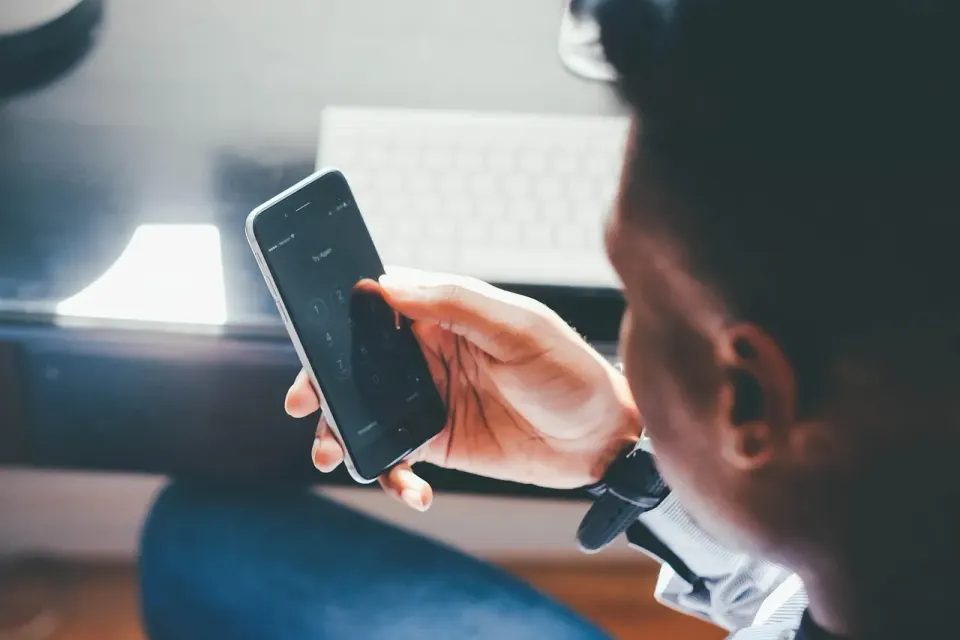
The unlock step matters, but it is not the login. Your fingerprint never goes to the website. It only tells your phone that the person holding it is allowed to use the key. Think of it as the doorman, not the key.
Why Do Passkeys Beat Passwords Against Phishing?
Passkeys beat passwords because a passkey is tied to the real website address. A fake page cannot ask your device to sign in, because the device checks the address first. There is also nothing to type, so there is nothing to hand over to a scammer.

Phishing works by tricking you into typing a secret into the wrong place. A convincing email sends you to a copy of your bank's login page. You enter your password, and the thief now has it. The attack depends on you being the one who delivers the secret.
A passkey removes you from that job. NIST adds that the passkey is different for every login, so even a stolen key could not be used on another site. The same guide says passkeys cannot be easily stolen through phishing and do not require memorization.
Other sign-in codes are weaker. The Cybersecurity and Infrastructure Security Agency (CISA) warns in its phishing-resistant MFA fact sheet that some forms of multifactor authentication fall to phishing, push bombing and SIM swap attacks. It calls phishing-resistant MFA the gold standard. A SIM swap is when a criminal convinces your carrier to move your number to their phone, which lets them receive your text codes.
That is one reason texts are such a rich hunting ground for scammers. Our explainer on why a wrong-number text is rarely a mistake shows how the first message sets up a longer con. The rules for how you can stop unwanted messages are also shifting, as the guide to replying STOP under the FCC's 2026 opt-out rules explains.
One honest caveat applies. Passkeys protect the login step. They do not stop a scammer from calling you and talking you into approving something. A person who chooses to hand over access can still lose an account.
How Do Passkeys Sync Across Your Devices?
Most passkeys sync through the account system of your phone or browser. Apple, Google and Microsoft each keep an encrypted copy that follows your account to new devices. A password manager can do the same job. You can also sign in on a new computer by scanning a QR code with your phone.

The QR code trick is worth a closer look. When you scan it, your phone and the computer connect over a short-range wireless link. That link proves the two devices are physically near each other. The computer then asks your phone to sign the login, so the passkey itself never moves to the computer.
Cross-brand sharing is getting easier too. Phones from rival makers now trade files directly, as the story of how AirDrop and Quick Share swap files between iPhone and Android shows. Passkey sharing between ecosystems follows the same slow drift toward cooperation. It is not seamless everywhere yet.
The sync is also the main trade-off. A synced passkey is convenient, but it ties your sign-in to the account that holds the copy. If you lose access to that account, you lose the passkeys with it. That is why recovery planning matters.
How Many People Actually Use Passkeys in 2026?
As of October 2026, the FIDO Alliance estimates that 7 billion passkeys are in use worldwide. Its 2026 Passkey Index finds that more than a third of successful sign-ins at the surveyed services now use a passkey. The data comes from 15 large consumer services, up from nine last year.
The FIDO Alliance is the industry group that writes the standards behind passkeys, so it has a stake in the numbers. Treat its figures as a useful signal, not a neutral census. Even so, its report on 7 billion passkeys includes details that are hard to wave away. Passkey sign-ins succeed more often than passwords and traditional MFA, and they are nearly three times faster.
The report also names a gap. Many people own a passkey but do not use it every time. Two participants pointed to sign-in screens that offer a password or code before the passkey, even for people who already have one. A good feature buried behind an old habit still loses.
The index covers large, well-funded services. A small forum or a local utility may not offer passkeys at all. So the headline number says more about the biggest platforms than about the whole web.
How to Set Up Your First Passkey
Setting up a passkey takes about a minute on a service that supports it. Start with an account that matters, such as your email, because it can reset all the others. Follow these steps in order:
- Sign in the usual way and open the account's security or sign-in settings.
- Choose the option to create a passkey, often labeled "add a passkey" or "sign in faster."
- Approve the prompt with your fingerprint, face or device PIN.
- Sign out and sign back in with the passkey to confirm that it works.
- Repeat on a second device, or confirm that your passkey has synced to it.
Do not delete your password right away. Keep it until you have tested the passkey on more than one device and set up a recovery method. Many services let you remove the password later, once you trust the new setup.
For accounts without passkey support, NIST has plain advice. Turn on multifactor authentication, and consider a password manager that generates long, unique passwords. If you must invent one yourself, NIST guidance recommends at least 15 characters. Length matters most, because a modern laptop can try about 100 billion guesses per second, which makes an eight-character password weak.
Where Passkeys Still Fall Short
Passkeys are not perfect, and the weak spots are mostly about people and policy, not math. Three problems come up most often, so it helps to know them before you switch.
- Recovery: losing your phone and your cloud account together can lock you out.
- Patchy support: many sites still offer only a password.
- Shared devices: a passkey unlocked by a family PIN is only as private as that PIN.
The best answer to the recovery problem is boring. Keep a second way in, such as a printed backup code stored somewhere safe or a second trusted device. Make sure your main email account has its own recovery path too.
There is also a fair counterpoint from skeptics. Passkeys can concentrate your logins in the hands of a few big platforms. That is a real trade-off, and it is why open standards and exportable credentials matter. For most people, the gain in safety still outweighs the cost, but it is a judgment call, not a law of nature.
The Practical Takeaway on Passkeys
Passkeys work because they remove the one thing phishing needs: a secret you type. Your device proves who you are with a signature, and the site never sees anything it could leak. That is a real change from passwords, not a rebrand.
At Oddworldz, we think the sensible path is gradual. Create a passkey for your email and your bank this week, keep a backup method, and leave the rest of your accounts on strong passwords with multifactor authentication until their sites catch up. Then check back in a few months, because support is growing quickly.
How do passkeys work without a password?
Are passkeys safer than passwords and text codes?
What happens to my passkeys if I lose my phone?
Do I still need a password if I use a passkey?
In this story 7 sections
Keep Reading
All stories-
 How Things Work Online
Microsoft 365 Outage 2026 Explained: How Health Checks Can Spread a Failure
8 min read -
 How Things Work Online
Why Your Phone Says "Spam Likely": How Caller ID Authentication Works in 2026
8 min read -
 How Things Work Online
WebMCP Explained: How Websites May Soon Hand AI Agents a Menu of Tools
7 min read
The Odd List · Fridays