Why Your iPhone Battery Drains Fast After an iOS 27 Update
A fresh update can make a healthy battery look sick for a few days. Here is what the phone is doing in the background and when to worry.
In this story 9 sections
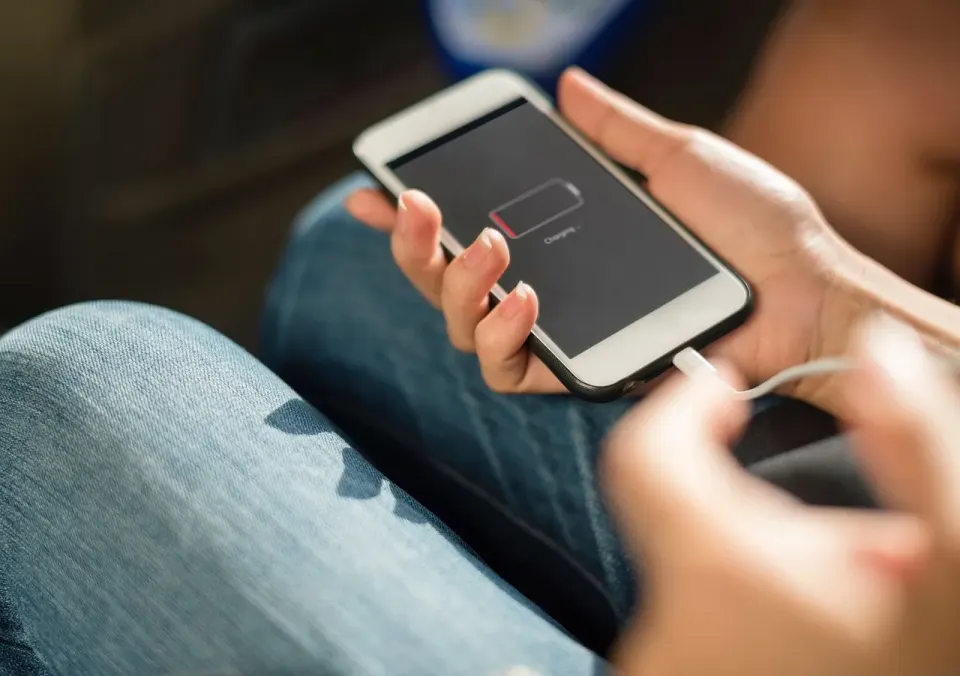
iPhone battery drain after an iOS 27 update is usually temporary background work, not damage. The phone rebuilds search indexes, refreshes apps and prepares data for Siri and other AI features. That work is most noticeable in the first 24 to 48 hours and can run for two or three days.
If your battery looks worse than last week, this explainer is for you. Oddworldz writes about the small mysteries of the devices in our pockets, and this one is easy to solve once you know what the phone is doing while it looks idle.
What Is the iPhone Doing After an Update?
After an update, the iPhone does a long list of housekeeping jobs it could not do while the old system was running. It rebuilds the index behind search, refreshes apps for the new system, downloads system assets and gets data ready for AI features. All of it uses power.
TechSpot reported on September 17, 2026 that iOS 27 was draining iPhone batteries faster for some users, and that Apple says the post-update activity does not harm the battery. The same report says battery life should return to normal when the processing finishes.
Think of it like moving into a new apartment. The first week is boxes everywhere and a lot of trips to the store. Nobody concludes the building is broken.
Some of this work is invisible to you on purpose. Photos get scanned so you can search for "beach" or "dog." Mail and messages are indexed so search finds them. A phone with ten years of pictures and thousands of messages has far more to chew through than a phone set up last month.
That explains why two friends can install the same update and report opposite experiences. One barely notices. The other swears the phone is dying. The difference is often just how much stuff each phone holds.

How Long Does the Extra Drain Last?
The extra drain usually lasts one to three days. It is most noticeable in the first 24 to 48 hours, according to the TechSpot report. Phones with large photo libraries or lots of Siri and AI data can take longer because there is simply more to process.
The timing is also uneven. Some of the background work runs only when the phone is idle, on Wi-Fi or charging. That is why one day looks awful and the next looks fine. The phone is working in bursts, not at a steady pace.
One more reason the drain feels worse than it is. People check their battery far more often right after an update. A normal evening dip looks alarming when you are watching the percentage tick down every hour.
Is It the Update or an Aging Battery?
It can be both, and the difference matters. A battery that has lost capacity over a couple of years will always look worse after any heavy-use period. A new update does not cause that wear, but it can make it more visible.
Apple explains in its support article on battery health and performance that lithium-ion batteries lose capacity as they age, and that cold weather and a low charge level can temporarily make things worse. If your phone is several years old, an update will not fix a tired battery.
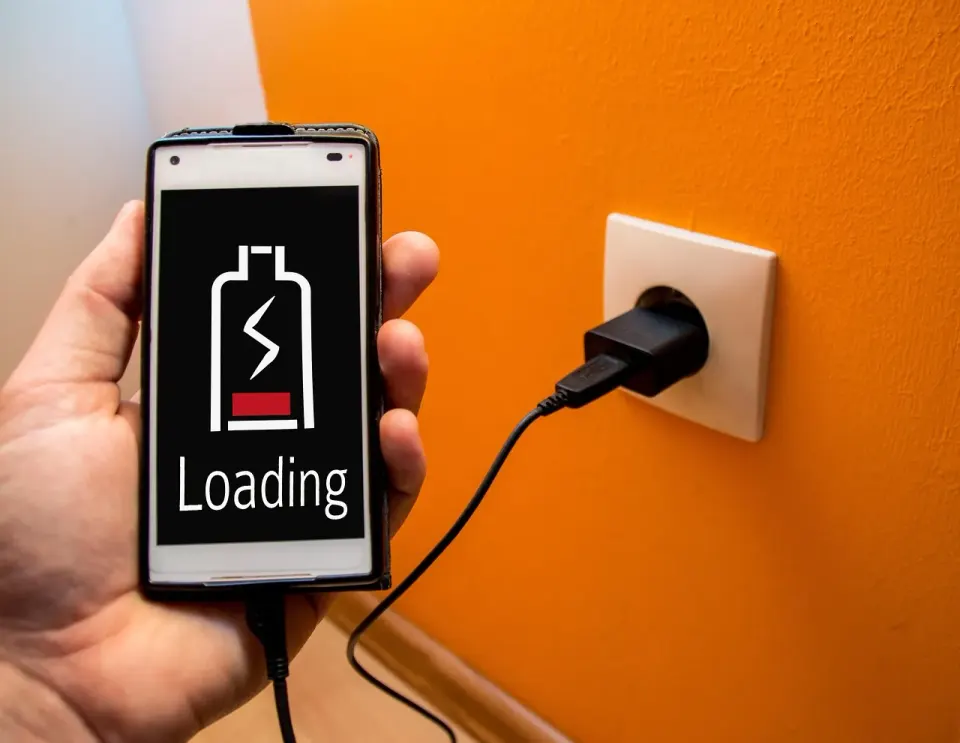
You can look at the numbers yourself. Apple's guide says Settings, then Battery, shows usage for the last 24 hours and the last 10 days, plus a Battery Health screen with capacity and peak performance. A sharp spike on the day you updated, followed by a slide back down, is the classic update pattern.
What Can You Do to Help the Phone Finish?
The simplest help is to give the phone what it needs to complete the work. Plug it in overnight, keep Wi-Fi on and leave it alone for a night or two. Background jobs run best under exactly those conditions.
Try these steps in order if the drain does not ease up.
- Leave the phone on a charger overnight with Wi-Fi turned on.
- Update your apps in the App Store, since old versions can misbehave on a new system.
- Restart the phone once to clear stuck processes.
- Open Settings, then Battery, and look at the app list for anything unusually high.
- Review location and background app refresh settings for apps you rarely use.

None of this needs a reset or a restore. Wiping a phone to chase a temporary problem is the most common overreaction, and it creates a whole new round of background work as everything downloads again.
When Should You Worry About iPhone Battery Drain?
You should worry when the drain is still high after about a week, or when the phone gets noticeably hot while idle. By then the update work is almost certainly finished, so the cause is likely an app, a setting or the battery itself.
Start with the Battery screen. One app using a large share of your day is a stronger clue than any general complaint. Social and video apps and anything that tracks location are the usual suspects, and a fresh update can reset their permissions in ways you did not notice.
A swollen or bulging battery is a different matter entirely. The US Environmental Protection Agency (EPA) notes that damaged lithium-ion batteries can start fires and should not go in household trash or recycling bins. If your phone is physically changing shape, stop using it and contact the manufacturer.
Which Settings Quietly Use the Most Power?
Screen brightness, location access and background app refresh are the three settings that usually use the most power. An update can leave them untouched, but it also resets some app permissions, so it is worth a quick look. Each one is a setting you can change in under a minute.
Background app refresh lets apps fetch new content when you are not using them. Mail, messaging and social apps use it most. Turning it off for apps you only open occasionally costs you nothing except a short wait when you launch them.
Location access works the same way. An app set to "Always" can wake the phone far more often than one set to "While Using." Maps and weather apps have a real reason to ask. A shopping app rarely does.
Brightness matters more than most people expect. The screen is typically one of the biggest power draws on any phone. Auto-brightness helps, and so does Low Power Mode, which Apple built to stretch a charge when the battery is running low. It trims background activity, which is exactly the thing an update tends to inflate.
How Can You Run a Simple Battery Test?
A simple test compares the phone to itself under the same conditions. Charge it fully, unplug it, leave it untouched for an hour and note how much the percentage falls. A phone that is truly idle should lose very little in that hour.
Repeat the test on three separate days. If the first hour is rough and the third looks calm, the update work is finishing. If all three look bad, the problem is probably not the update.
Keep the conditions the same each time. Use the same room, the same Wi-Fi and no apps open. Changing any of those makes the results hard to compare, and that makes it easy to blame the wrong thing.
Why Do New Features Cost Battery at All?
New features cost battery because every feature runs code, and code uses power. Features that watch for context, such as suggestions and AI assistants, tend to need background time. We looked at one such trade-off in why Siri AI has a daily usage limit on iPhone in iOS 27.
The update itself is also part of a longer story about how long a phone stays supported. Our guide to how long your phone gets software updates shows why installing the update is usually still the right call, since security fixes matter more than a few days of extra drain.
Wireless features also keep the phone busy. We explained how AirDrop and Quick Share swap files between iPhone and Android, and those links can stay active in the background too. If battery matters more than convenience, turning off a feature you never use is a fair trade.
Conclusion
Extra battery drain after an iOS 27 update is usually the phone doing homework. Give it a charger, Wi-Fi and a couple of days. If the drain survives a week, open the Battery screen, find the app responsible and decide whether it deserves the power.
Oddworldz will keep watching the strange little side effects of software updates. The next time your phone seems to lose a fight with a single update, remember that waiting is often the fix.
How long does iPhone battery drain last after an iOS 27 update?
Does a new iOS update damage my iPhone battery?
How do I find which app is draining my iPhone battery?
Should I reset my iPhone if the battery drains after updating?
In this story 9 sections
Keep Reading
All stories

The Odd List · Fridays